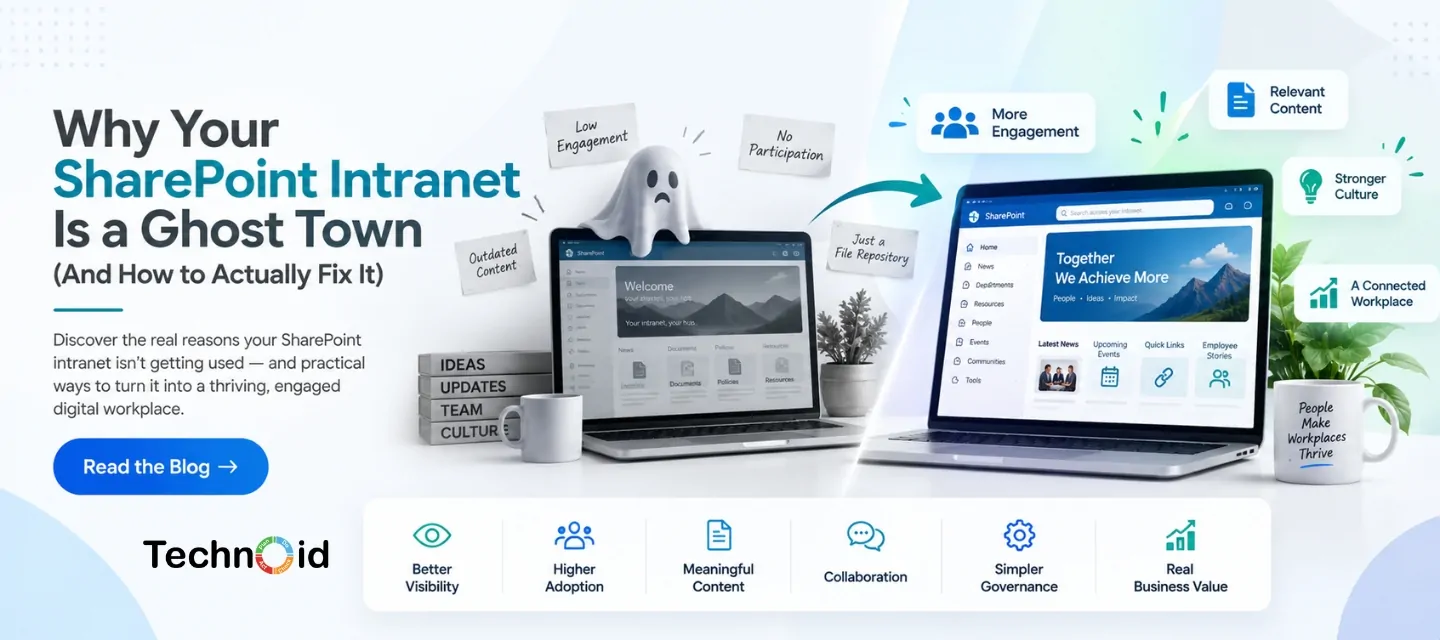
You invested in a SharePoint intranet. The platform is live, the pages are built, documents are uploaded, and everything looks organised.
But there is one problem: employees barely use it.
People still ask colleagues for documents, search through old emails, use WhatsApp groups for updates, or simply avoid the intranet altogether.
This is more common than businesses realise. The problem is usually not SharePoint itself. It is how the intranet has been designed, implemented, and introduced to employees.
Here are some of the most common reasons a SharePoint intranet becomes a ghost town and what businesses can do about it.
A successful intranet needs to make employees’ work easier. If accessing information feels complicated or time-consuming, employees will naturally find another way.
Some common problems include:
An intranet should not simply store information. It should help employees find, understand, and use information quickly.
One of the biggest mistakes businesses make is treating an intranet like a huge digital filing cabinet.
Employees should not have to click through multiple pages to find a simple HR policy or company announcement.
Keep the navigation focused on what employees actually need.
For example, the homepage could provide direct access to:
The fewer unnecessary steps employees need to take, the more likely they are to use the platform.
An intranet cannot depend entirely on employees remembering to check it.
Fresh and useful content gives people a reason to return.
Keep Content Relevant and Updated
Regularly publish information that employees genuinely care about, such as:
If the homepage has not changed in months, employees quickly learn that there is no reason to visit.
One of the biggest reasons employees abandon an intranet is difficulty finding information.
If someone knows a document exists but cannot locate it quickly, they are likely to ask a colleague instead.
Review your document libraries, naming conventions, metadata, permissions, and search structure.
A well-organised SharePoint environment can make information easier to discover and reduce the amount of time employees spend searching.
The intranet should be designed from the employee’s perspective rather than the organisation’s structure.
Instead of asking:
“How should we organise our departments?”
Ask:
“What does an employee need to do when they visit the intranet?”
This shift can completely change the experience.
For example, an employee may want too quickly:
Design the experience around these actions.
Employees are more likely to use an intranet when it connects naturally with the tools they already use.
SharePoint can work alongside the wider Microsoft 365 environment, helping businesses bring documents, collaboration, communication, and workflows into a more connected digital workplace.
The goal is not to create another platform employees have to manage.
The goal is to make existing work simpler and more connected.
Leadership involvement can also influence adoption.
When senior leaders regularly share updates, recognise employees, communicate important changes, or participate in internal discussions, the intranet becomes more than a document repository.
It becomes a place where employees can see what is happening across the organisation.
Employees should not only consume information. Give them opportunities to contribute.
Employee spotlights, team updates, success stories, polls, events, and recognition posts can make the intranet feel more like a workplace community.
Another common mistake is treating SharePoint implementation as a one-time project.
Launching the platform is only the beginning.
Businesses should monitor:
These insights can help teams continuously improve the intranet
If your SharePoint environment is technically functional but employees are not using it, the issue may require more than adding new pages.
A professional SharePoint implementation services in Dubai provider can help businesses review their existing environment, improve information architecture, simplify navigation, configure workflows, organise content, and create a more user-friendly intranet experience. provider can help businesses review their existing environment, improve information architecture, simplify navigation, configure workflows, organise content, and create a more user-friendly intranet experience.
The focus should not simply be on implementing SharePoint.
It should be on implementing it in a way that employees actually want to use.
A SharePoint intranet should make work easier; not create another place employees have to search.
If your intranet has become a ghost town, start by looking at the employee experience. Simplify navigation, improve search, keep information current, connect SharePoint with everyday workflows, and give employees a reason to return.
With the right strategy and ongoing improvements, SharePoint can become an important part of your organisation’s digital workplace rather than another unused internal platform.
Employees may stop using an intranet because it is difficult to navigate, contains outdated information, has poor search functionality, or does not provide enough useful content.
Improve navigation, keep content updated, make important resources easy to find, involve employees, and regularly review usage data and feedback.
Yes. SharePoint can be used to create internal communication sites, document libraries, employee resources, news pages, department portals, and other digital workplace experiences.
The timeline depends on the organisation's requirements, number of users, existing Microsoft 365 environment, integrations, content migration, and level of customisation.
A professional implementation partner can help with planning, configuration, migration, workflows, information architecture, integrations, and adoption, helping businesses create a SharePoint environment that supports actual employee needs.
An Introduction to Shopify Metafields in E-Commerce website development Customization and flexi ..
[calendly url=”https://calendly.com/technoidfze/30min” type=”1″]