A Customer Relationship Management (CRM) system can transform how businesses manage leads, customers, and sales. However, simply purchasing a CRM does not guarantee better results. The real success lies in implementing it correctly.
Many CRM projects fail not because the software lacks features, but because businesses skip the planning and configuration required to align the CRM with their sales process.
Zoho CRM is one of the most popular CRM solutions for businesses of all sizes due to its flexibility, automation capabilities, and extensive integrations. This guide explains everything you need to know about Zoho CRM implementation, including the process, timeline, costs, common challenges, and best practices., including the process, timeline, costs, common challenges, and best practices.
Zoho CRM implementation is the process of configuring, customizing, and deploying Zoho CRM to align with your business workflows, sales processes, and operational requirements. It involves much more than simply creating an account or purchasing a subscription.
A successful implementation starts with understanding how your business manages leads, customers, and sales opportunities before configuring the CRM to support those processes.
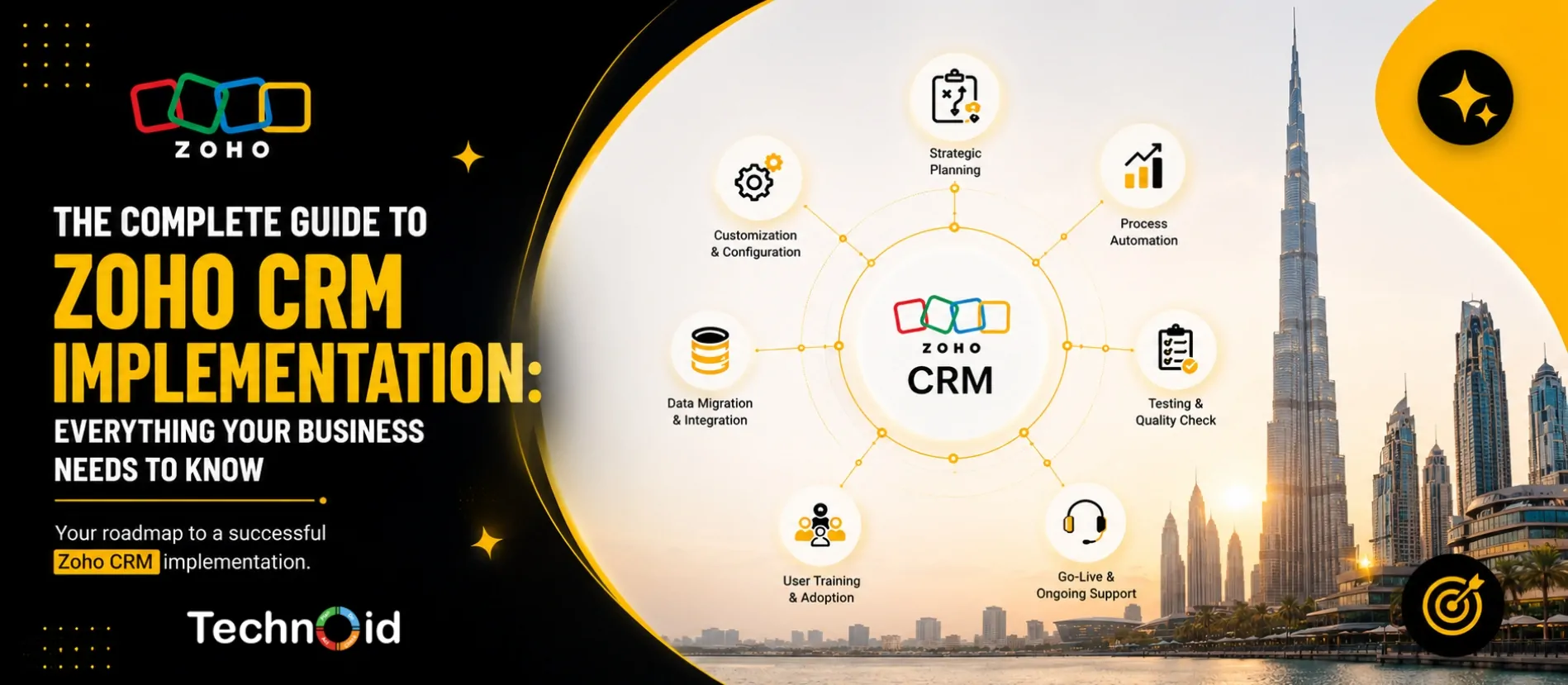
This includes setting up modules, sales pipelines, custom fields, workflows, automation rules, and user permissions. It also involves migrating and cleaning customer data, integrating Zoho CRM with third-party applications such as email, accounting software, and communication tools, thoroughly testing the system, and training your team to use it effectively.
The ultimate goal is to transform Zoho CRM into a centralized platform that streamlines customer relationship management, improves productivity, and supports business growth, rather than becoming another underutilized tool.
A properly implemented CRM enables businesses to manage customer relationships more efficiently by aligning the platform with their unique sales and operational processes.
When configured correctly, Zoho CRM helps improve lead management, increase sales productivity, automate repetitive tasks, and deliver a better customer experience. It also provides accurate reporting and real-time insights, making it easier for teams to collaborate and make informed business decisions based on reliable data.
On the other hand, poor CRM implementation can significantly reduce the value of the software. Without proper planning, customization, and training, businesses often struggle with incomplete or duplicate customer records, inconsistent sales processes, inaccurate reports, and low user adoption.
Employees may revert to spreadsheets or other manual methods, resulting in fragmented data and missed opportunities. Ultimately, investing time in proper implementation ensures that Zoho CRM becomes a valuable business tool that supports long-term growth and delivers a strong return on investment.
Before configuring Zoho CRM, document how your sales team currently works.
Identify:
This becomes the foundation for your CRM setup.
Design your CRM based on your business requirements.
This includes:
Avoid enabling every feature from day one. Start with the modules your team will actually use.
Once planning is complete, configure the system by:
The goal is to reduce manual work while keeping processes simple.
Before migrating data into Zoho CRM:
Clean data improves reporting accuracy and user confidence in the system.
Most businesses use multiple tools alongside their CRM.
Common Zoho CRM integrations include:
These integrations ensure customer information flows automatically between systems.
Before making the CRM available to your team:
Testing helps identify issues before they affect daily operations.
Businesses often encounter challenges such as:
Addressing these issues early helps ensure a smoother implementation.
The time required to implement Zoho CRM depends on the size of your business, the complexity of your sales processes, and the level of customization required. A small business with a straightforward sales pipeline, minimal customization, and limited data migration can typically complete implementation within 1–2 weeks.
Medium-sized businesses that require custom workflows, integrations, and multiple user roles generally take around 3–6 weeks. For large enterprises with multiple departments, extensive data migration, advanced automation, custom development, and integrations with other business systems, implementation can take 6–12 weeks or longer.
Rather than focusing solely on speed, businesses should prioritize a structured implementation process that includes planning, configuration, testing, data migration, and user training. Taking the time to implement Zoho CRM correctly helps ensure higher user adoption, accurate reporting, and long-term success with the platform.
Implementation costs vary depending on:
While the Zoho CRM subscription is a recurring software cost, implementation focuses on configuring the platform to support your business processes. Investing in a proper implementation often delivers better long-term value by improving user adoption and reducing costly rework.
Zoho CRM implementation costs vary based on your business requirements, customizations, integrations, data migration, training, and automation needs. As a rough estimate, implementation typically costs USD 500–2,000 for small businesses, USD 2,000–5,500 for medium-sized businesses, and USD 5,500–20,000+ for large enterprises. These estimates cover implementation services only and exclude Zoho CRM subscription fees.
Follow these best practices to maximize your CRM investment:
Zoho CRM is a popular choice among businesses in Dubai and across the UAE because it offers flexibility, scalability, and strong integration capabilities.
Businesses particularly benefit from:
These capabilities make Zoho CRM suitable for startups, SMEs, and large enterprises across various industries.
In the UAE, Zoho CRM implementation typically costs AED 2,000–8,000 for small businesses, AED 8,000–20,000 for medium-sized businesses, and AED 20,000–75,000+ for large enterprises with complex requirements. These are estimated implementation costs only and do not include Zoho CRM subscription fees.
Your implementation is delivering value if:
Successful implementation is measured by adoption and business outcomes—not simply by installing the software.
A successful Zoho CRM implementation is more than installing software—it involves understanding your business processes, configuring the CRM to match your workflows, migrating clean data, integrating essential tools, and training your team to ensure long-term adoption. When implemented correctly, Zoho CRM helps streamline sales operations, improve customer relationships, automate repetitive tasks, and provide actionable business insights that support growth.
At Technoid FZE, we help businesses across Dubai and the UAE implement Zoho CRM with a strategic, business-first approach. As an experienced Zoho CRM implementation partner, our team works closely with you to understand your processes, customize the CRM to your requirements, integrate it with your existing systems, and provide end-to-end support from planning to deployment and training. Whether you’re implementing Zoho CRM for the first time or looking to optimize an existing setup, we ensure your CRM becomes a powerful tool that drives efficiency, improves customer engagement, and delivers measurable business results.
Yes, small businesses with straightforward requirements can often set up Zoho CRM themselves. However, businesses needing custom workflows, integrations, automation, or data migration often benefit from working with an experienced implementation partner.
Simple implementations may take one to two weeks, while more complex projects involving multiple departments, integrations, and customizations can take several weeks or months.
The most common mistake is configuring the CRM before defining business processes. A clear understanding of your sales workflow should guide every customization and automation.
A successful implementation is reflected in high user adoption, accurate reporting, streamlined sales processes, and consistent CRM usage across your organization.
Zoho CRM implementation in the UAE typically ranges from AED 2,000 to AED 75,000+, depending on your business size, customization requirements, integrations, data migration, and automation needs. The cost covers implementation services only and excludes Zoho CRM subscription fees.

In Summary This blog highlights why Zoho CRM is becoming the top CRM choice for SMBs in the UAE ..

Running a small business means wearing multiple hats managing sales, nurturing customer relatio ..

In Summary The article outlines the key reasons why businesses in the UAE need a CRM system. It ..
[calendly url=”https://calendly.com/technoidfze/30min” type=”1″]